
Plant Growth Timelapse – Document Your Plants Growing Daily
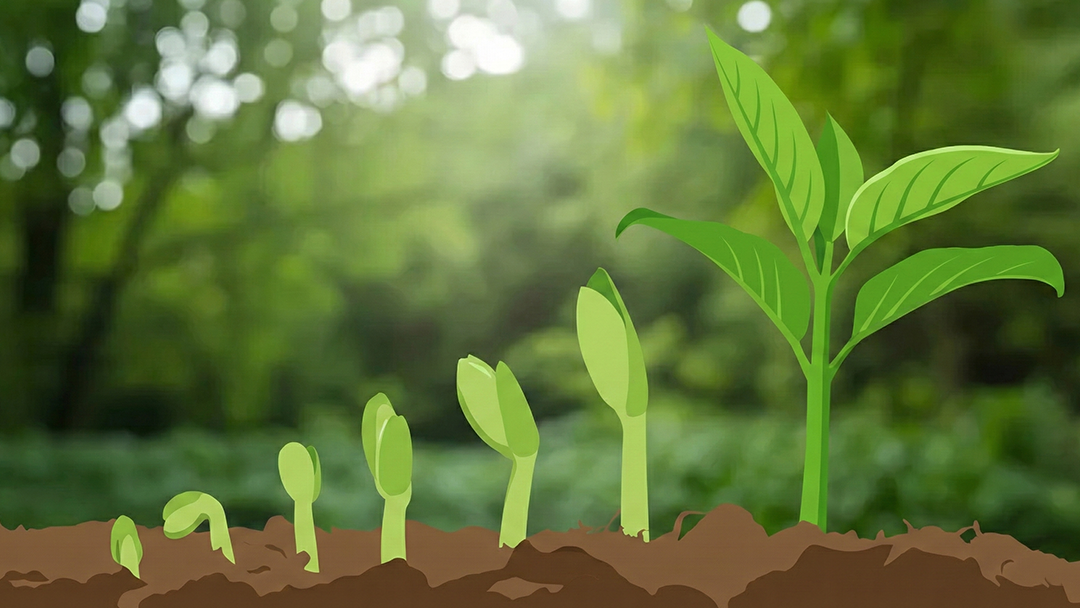
Turn Plant Photos into a Growth Timeline and Timelapse
Plants are always changing—you just don’t notice it until you look back. A daily plant photo journal creates a clear plant growth timeline, from the first sprout to new leaves, vines, blooms, and harvest. Then you can turn the whole journey into a plant timelapse video that shows weeks of progress in seconds.
See Growth You’d Miss
Tiny changes add up—new nodes, leaf unfurls, color shifts, and buds forming. Photos reveal the “wow” moments that happen between watering days.
Improve Plant Care with Visual Notes
Compare photos to spot stretching, drooping, sun stress, or slow growth. A timeline helps you connect care routines to healthier leaves and stronger growth.
Make Mesmerizing Plant Timelapses
Turn your photo series into a smooth plant growth video—perfect for sharing sprouts-to-bloom transformations or your garden season recap.
Perfect for Every Plant Project
Seed Starter to Strong Seedling
Capture germination, first leaves, and the early “growth sprint.” Ideal for documenting indoor starts before transplanting outside.
Blooming & Bud Cycles
Track buds forming, petals opening, and peak blooms. Great for orchids, roses, or any plant where flowering feels like an event.
Vegetable Garden Season
Document your garden from planting day to harvest—seedlings, fruit set, ripening, and that first picking basket.
Houseplants & New Leaves
Track indoor growth milestones like leaf unfurling, vine length, and repotting recovery—especially satisfying for monstera, pothos, and philodendron.
Tall Growers & Height Goals
Sunflowers, corn, bamboo, and climbing plants look incredible in a timeline. Add a height marker and watch the growth stack up.
Succulents, Cacti & Propagation
Slow growers are the most rewarding in timelapse. Document propagation trays, new pups, and rare blooms that might only happen once.
How to Create a Plant Growth Timelapse
A simple daily habit that turns patience into a beautiful before-and-after story
Use the Same Setup
Mark a spot on the floor or shelf. Consistent framing makes your video smooth and makes size changes easier to compare.
Shoot in Similar Light
Pick a time with steady lighting (often daytime near a window). Consistent light reduces flicker and keeps colors accurate.
Align with Ghost Overlay
Use yesterday’s photo as a guide so your pot, stems, and background line up—this is the secret to “pro” timelapse results.
Generate Your Timelapse
After a couple of weeks (or a full season), export your plant growth video and replay the whole journey in seconds.
Built for Plant Photo Timelines
Ghost Overlay Alignment
Line up today’s photo with yesterday’s frame so your plant stays centered and your timelapse looks clean and steady.
Collections for Every Plant
Create albums like “Basil,” “Monstera,” or “Balcony Tomatoes” so each plant has its own timeline and video.
Easy Timelapse Export
Turn your photo series into a video with adjustable duration—great for social posts, garden updates, or your personal plant diary.
Date & Day Labels
Add “Day 1,” “Week 6,” or dates to your video—perfect for seed-to-harvest projects and documenting experiments.
Reminders That Keep You Consistent
Set a daily prompt at your preferred time so you don’t miss key stages—especially during fast-growth weeks.
Backup for Long Projects
Protect months of plant photos so your full season timeline stays safe—even if you change phones.
Pro Tips for Cleaner Plant Timelapses
✓ Lock Your Camera Position
A tripod helps, but even a taped “phone spot” works. The more stable the setup, the smoother your final video.
✓ Pick One Lighting Source
Try to avoid mixed lighting (window + lamp). Consistent light keeps the color steady and reduces flicker.
✓ Add a Simple Measurement Marker
A ruler, a stick, or a height mark on the pot makes growth more dramatic and easier to understand.
✓ Keep the Background Consistent
A plain wall or the same shelf looks best. Moving objects behind the plant can make the timelapse feel messy.
✓ Don’t Rotate the Pot Mid-Project
Rotating changes leaf orientation and creates “jumps” in the video. If you must rotate for even light, do it consistently.
✓ Start on Day One
Begin at planting day or the day you bring the plant home. The earliest photos make the best “before” moments later.
Start Your Journey Today
Join thousands of people capturing their progress and turning daily moments into meaningful stories with Daily Selfie.