
Daily Selfie App for Smooth Face Timelapse Videos
Take one selfie a day with a guided camera and ghost overlay, stay consistent with reminders, and turn your photo-a-day journey into a smooth timelapse or AI morph video, on iPhone and Android.
Guided Face Alignment
AI Morph + Classic Timelapse
Free on iPhone & Android
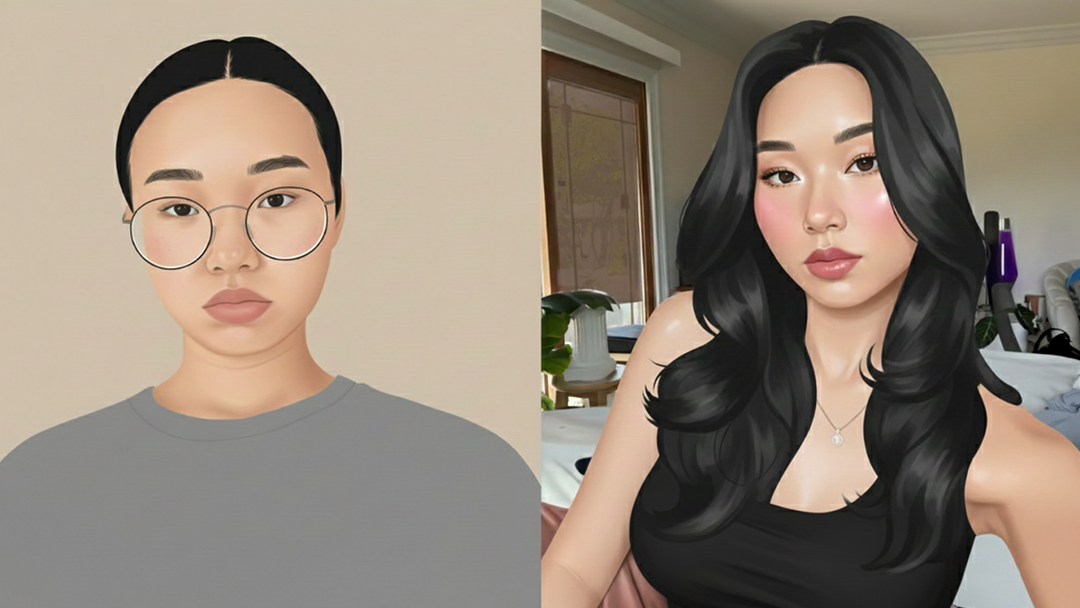
Visualize Your Transformation with AI Face Morphing
Create smooth timelapse videos from your photos and watch your progress unfold

From Photos to Video
Choose your photos and let the app turn them into a flowing timelapse video in just moments.

Simple & Beginner Friendly
No complicated tools or editing experience needed. Everything is designed to be fast and easy.

High-Quality Results
Create clear, smooth videos you’ll be proud to share with friends or keep as a personal memory.
Everything You Need for a Photo-a-Day Timelapse
Capture your progress, stay consistent, and turn everyday photos into a timelapse you'll want to share.
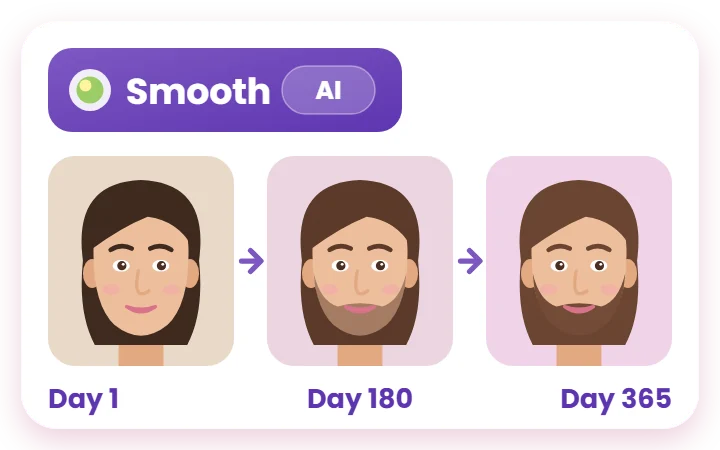
AI Face Morphing for Smooth Transformations
Choose a Smooth video and AI blends each day into the next, so your face timelapse flows instead of jumping. Prefer a fast recap? A Simple video gives you a classic face-aligned timelapse.
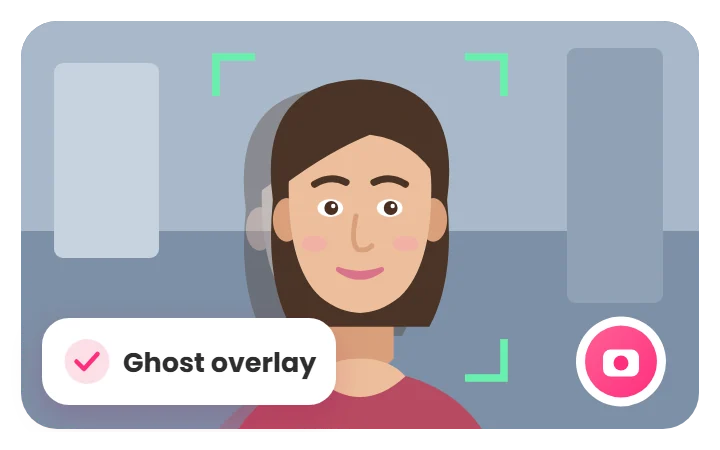
Guided Face Alignment & Ghost Overlay
A face guide and a see-through ghost of your last photo help you match your position every day, and Daily Selfie aligns faces again when you make your video.
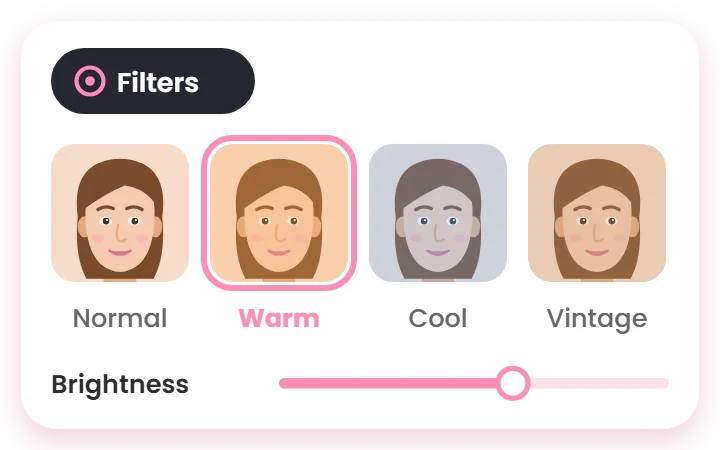
Consistent Photo Editing & Filters
Apply filters and simple adjustments so every photo in your timelapse has the same look.
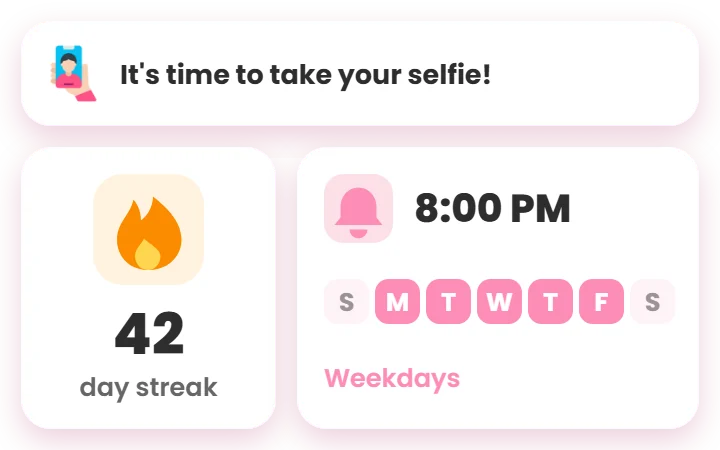
Daily Reminders & Streaks
Pick the days and time you want a reminder, then keep your streak going so your photo-a-day habit sticks.
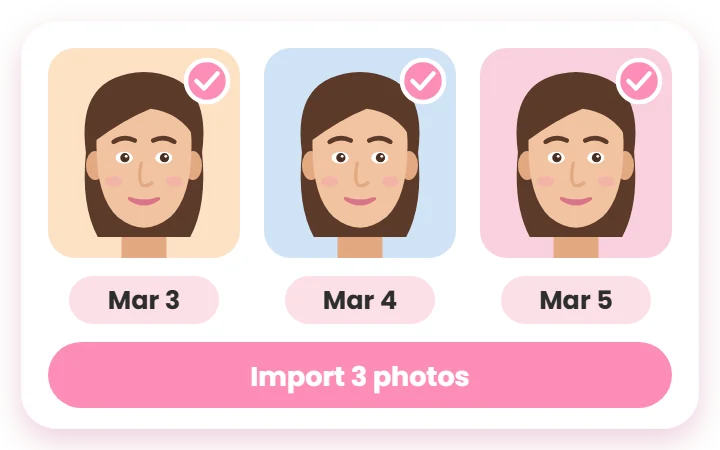
Import Your Existing Selfies
Already started your journey? Import past photos in bulk and Daily Selfie places them on the right days using their capture dates.
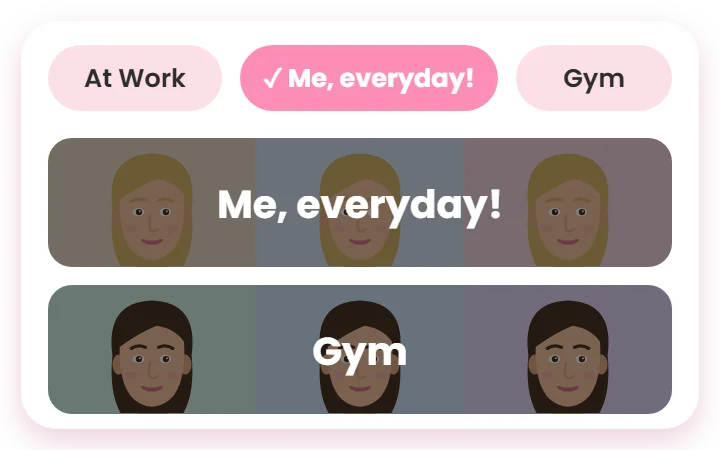
Multiple Journeys, One Photo Journal
Keep separate collections for your face, fitness, pregnancy, hair or beard growth, skincare, or any other change you want to track.
How Daily Selfie Turns One Photo a Day Into a Timelapse
Start capturing your journey in just a few simple steps.
1
Download & Sign Up
Install the app and create your free account. Your photos are backed up to your account.
2
Take a Daily Selfie
Use the guided camera to capture one selfie each day.
3
Keep Everything Organized
Your photos are neatly arranged so you can easily follow your progress.
4
Create Your Progress Video
Turn your selfies into a beautiful video that shows your journey over time.
Track the Changes You Can’t See Day to Day
Document pregnancy, weight loss, fitness, hair or beard growth, skincare, braces, baby growth and everyday changes with consistent progress photos.



Daily Selfie App FAQ
What is Daily Selfie?
Daily Selfie is a photo-a-day app for iPhone and Android. It helps you take one consistently aligned selfie every day and turns your photos into a face timelapse or an AI morph video.
How do I make a timelapse from daily selfies?
Take a photo each day with the guided camera, or import photos you already have. When you're ready, choose Smooth for an AI face morph or Simple for a classic face-aligned timelapse, add music, and Daily Selfie creates the video for you.
Can I import selfies I already took?
Yes. Import several photos from your camera roll at once. Daily Selfie reads each photo's capture date and puts it on the right day of your timeline, and you can change any date by hand.
How does Daily Selfie keep my face aligned?
The camera detects your face live and shows a face guide, a grid, and a see-through ghost of your last photo, so you line up the same way every day. When you make a video, Daily Selfie also aligns the faces automatically.
Does Daily Selfie work on iPhone and Android?
Yes. Daily Selfie is free to download on the App Store and Google Play. You sign in with Apple (on iPhone), Google, or email, so your journal is the same on any phone.
Where are my photos stored?
Your photos are stored securely in the cloud and linked to your account, so they're safe if you change or lose your phone. Photos you take offline upload automatically when you're back online. You can delete single photos or your whole account at any time.
Is Daily Selfie free?
Yes. The guided camera, reminders, collections, and video creation are free. Daily Selfie Pro removes ads and unlocks Full HD 1080p export, more photos per AI morph video, date overlays, and Pro music and templates.
More questions? Read the full Daily Selfie FAQ or see how Daily Selfie works step by step.
Start Your Daily Selfie Timelapse Today
Take your first aligned selfie today, or import photos you already have and start building your timelapse right away.